A local workbench for documenting and investigating circuit boards.
PCB Visualizer keeps your board photographs, measurements and captures
in one project. Annotate components, record pin assignments and
compare decoded signals with serial output.
Mark components and headers on a board photograph. Attach findings
to the part they describe.
HEADER J4 / PIN RECORD
J4 pin assignments
1 · Supply
3V3
2 · Transmit
TX
3 · Receive
RX
4 · Ground
GND
Record pin measurements
Document each pin’s role and measured voltage in the header
record. Refer to it when wiring a serial adapter.
CONSOLE / EXAMPLE BOOT CAPTURE
U-BootStarting kernel ...LinuxBoot output retained with the board
Capture serial output
Save boot logs and other serial output in the board project for
later inspection and comparison.
LOGIC / UART DECODE
Serial capture Starting kernel ...
Decoded capture Starting kernel ...
Compare serial and logic captures
Decode a logic capture and compare it with the serial recording of
the same boot.
INVESTIGATION RECORD
Example router / J4
Annotated board photograph
Header and pin findings
Serial and logic captures
Notes, evidence and next steps
Local files · Exportable reports
Export your findings
Document your conclusions alongside the captures that support
them. Export a report to share the investigation.
This illustration uses simulated example data. The signal trace is
schematic.
PROJECT FILES
Keep a record of the investigation.
Record measurements and pin assignments as you work, with notes on
what you have confirmed and what still needs testing. Saved captures
let you revisit the evidence when a later finding changes your
interpretation.
Board projects are stored in local folders. You can export annotated
photographs, pinouts and reports, and optionally use Git to track
changes.
OPTIONAL AI
Use an AI assistant if you need one.
The optional assistant can help interpret findings and suggest what
to check next. It is off by default. You choose the service and
approve proposed labels, pin roles and console commands. Accepting a
suggestion does not mark it as verified; you still need to check it.
When you use a remote service, investigation content included in
your questions is sent to that provider. The assistant supports
compatible OpenAI-style APIs and has been tested with OpenRouter.
Local Ollama compatibility has not been tested. The workbench works
without an AI service.
BUILT BY TERJE / LETHIO
About PCB Visualizer
PCB Visualizer is developed by Terje at Lethio for people who want
to investigate and document the hardware they own.
A public release under the MIT licence is planned. Development
updates will be published at
Lethio.
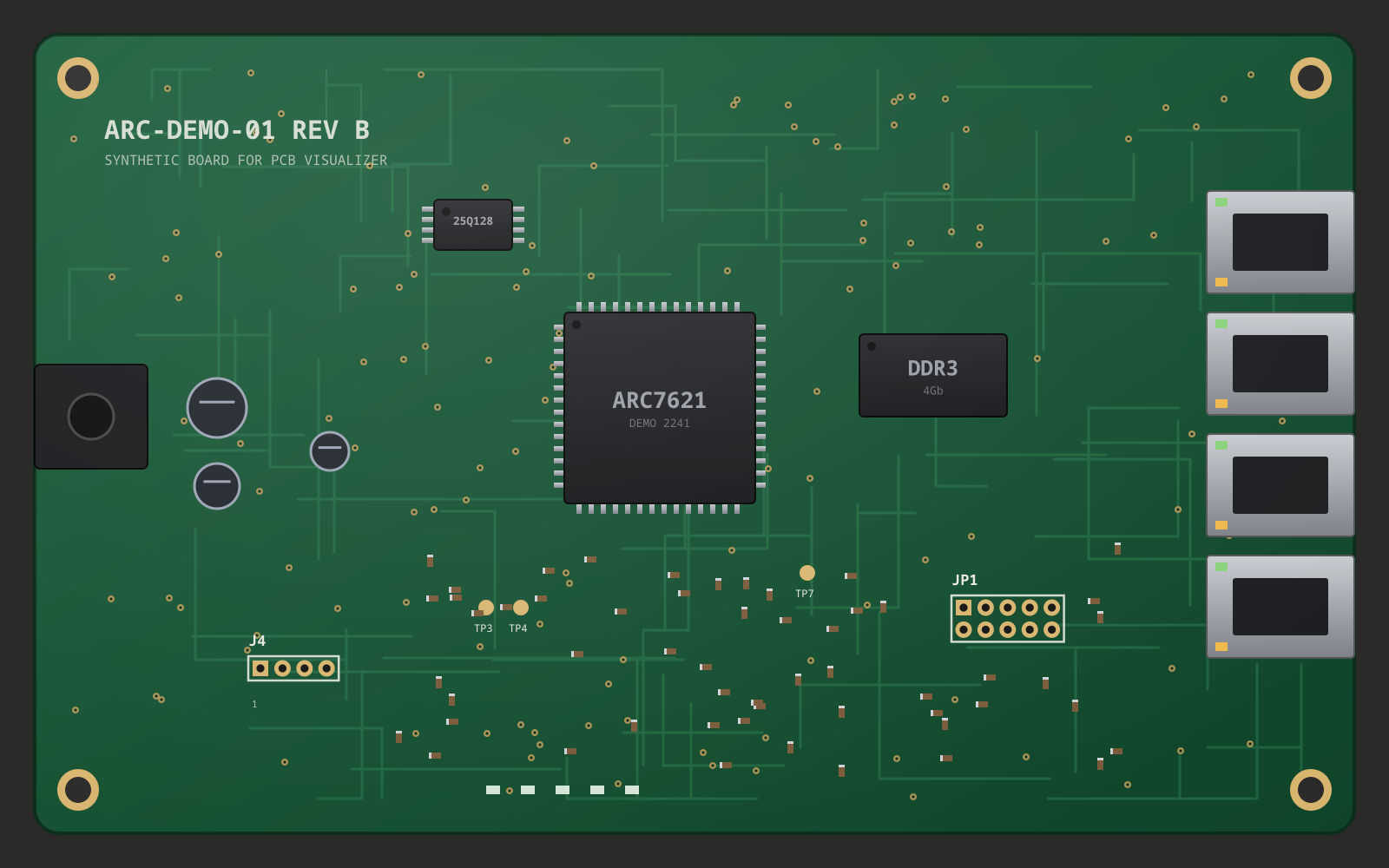 J4 · serial header